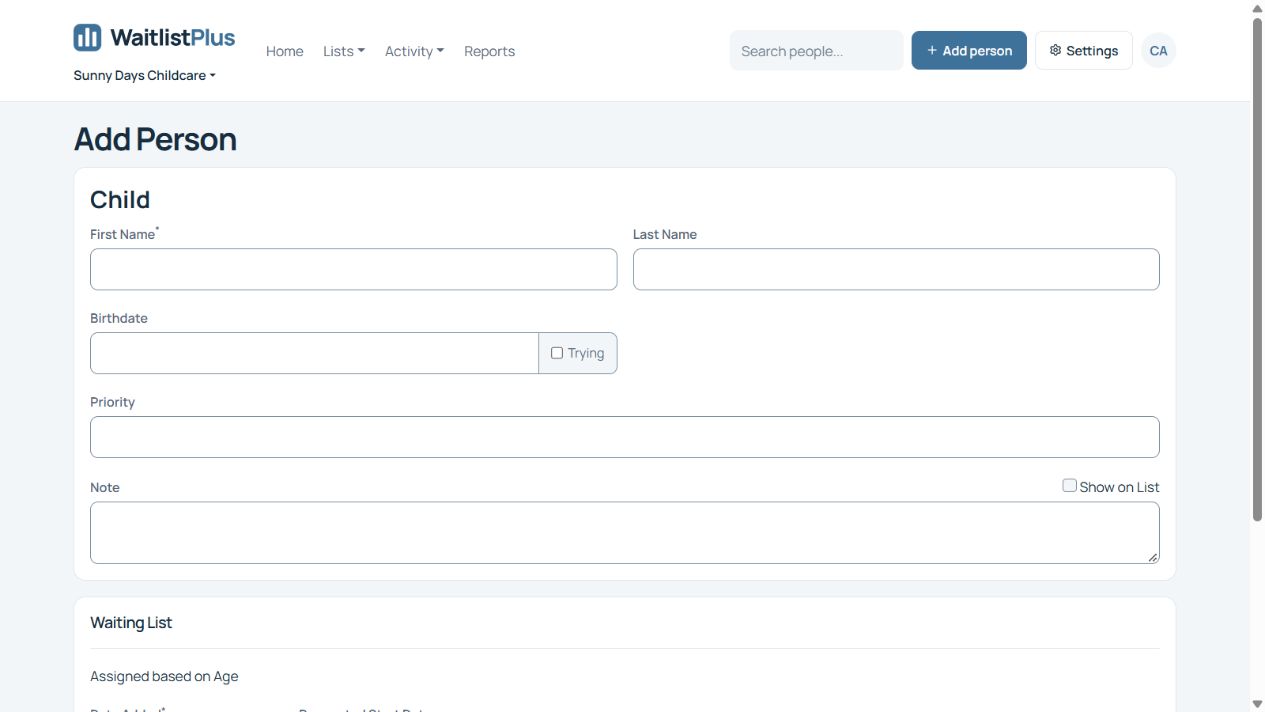
Birthdate is required when you have age-based lists. If we do not have an age, we would not know which list to put that person on.
If the parents have a due date, put that as the birthdate. You can update it when the child is born.
If they do not yet have a due date, you can check the “Trying” checkbox. This will put them on the youngest list on your account. If you do not have a Trying checkbox, go to Settings > Site Details and check the “Show Trying Checkbox” setting.
When no due date is available, use the Trying checkbox shown below. Update the birthdate when a due date or actual birthdate becomes available.