Open Settings and choose Email Templates, Reminders, Customer Portal, or Customer Signup Form. These pages appear directly in the settings navigation. The video below was recorded with an earlier design; use the current page names and screenshots when following along.
An overview of the setup and use of some of our more advanced features including signup emails, waitlist reminder emails, our customer portal, and our customer signup form.
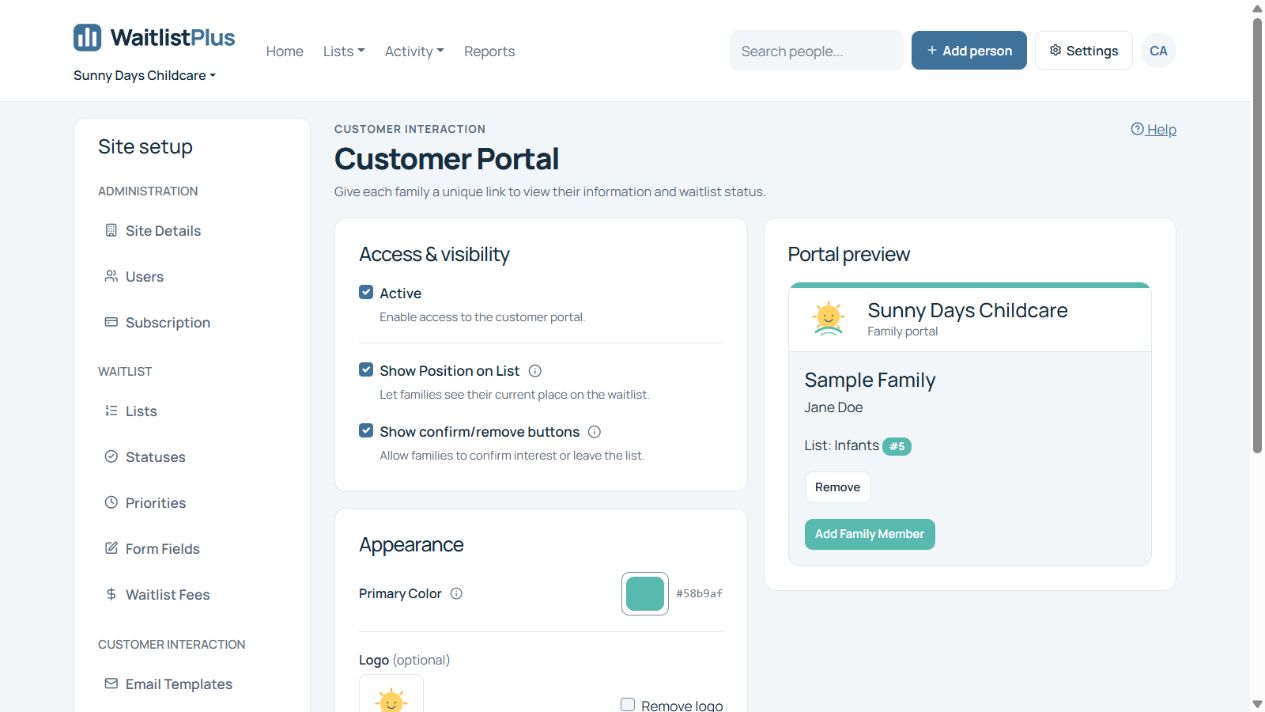
For written activation, branding, visibility, and private-link sharing steps, see Set up and share the customer portal. For the complete public signup journey and staff-versus-customer email settings, see Customer Signup Form.